Popular right now

OBS Plugins & Scripts
我们正在将 StreamRSC 的资源和工具迁移至 StreamWID。 资源库
A little extra for your next live
Overlays with personality. Plugins that do more.
Find your next favorite tool and make it yours.
78 resources. Browse freely, no account needed.
The community's radar
Most popular resources by page views over the last 30 complete days.
Free OBS scoreboard plugin: teams, logos, scores, stats and timers in a dock, hotkeys, WebSocket control and HTML templates for sports and esports.
3,113 views in 30 days
Free OBS Studio audio visualizer: turn any audio source into reactive waves, bars and shapes, with custom shaders and a 64-band spectrum.
2,999 views in 30 days
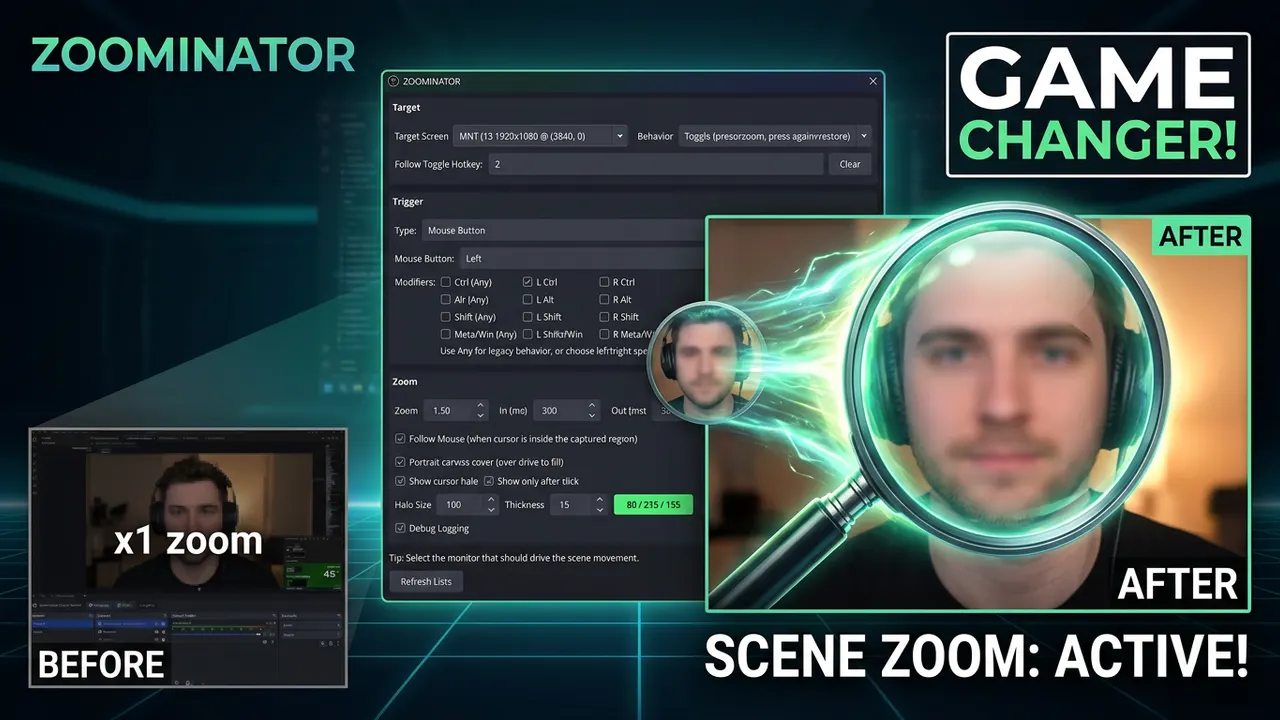
Free OBS Studio plugin that zooms and follows your mouse cursor with smart clamping, click highlights and wheel zoom. Ideal for tutorials and coding.
2,736 views in 30 days
Beyond the default setup
Give OBS a few new tricks. Explore plugins for your audio, scenes and live workflow.
Explore OBS pluginsA forecast worth watching
Live forecasts, radar and weather overlays, ready for your next broadcast.
Explore weather toolsPicking up speed
Resources with the largest increase in page views over the previous week.
Discover what's new+67 views this week
+61 views this week
+45 views this week
Two complete 7-day periods. At least 10 views this week and activity in the previous week.
From browsing to building
The most visited source links over the last 30 complete days.
Free OBS Studio audio visualizer: turn any audio source into reactive waves, bars and shapes, with custom shaders and a 64-band spectrum.
1,402 source-link clicks
Free OBS scoreboard plugin: teams, logos, scores, stats and timers in a dock, hotkeys, WebSocket control and HTML templates for sports and esports.
1,186 source-link clicks
Free OBS Studio plugin that zooms and follows your mouse cursor with smart clamping, click highlights and wheel zoom. Ideal for tutorials and coding.
1,071 source-link clicks
Fresh additions
The latest resources to land in the library.
Free, open-source scoreboard for PUBG custom-room tournaments. Enter placements and kills in a browser control panel and four animated OBS overlays update instantly.
GTA 6 is around the corner. Get your streaming setup ready with animated OBS overlays for Starting Soon, BRB, Just Chatting, and a transparent camera frame.
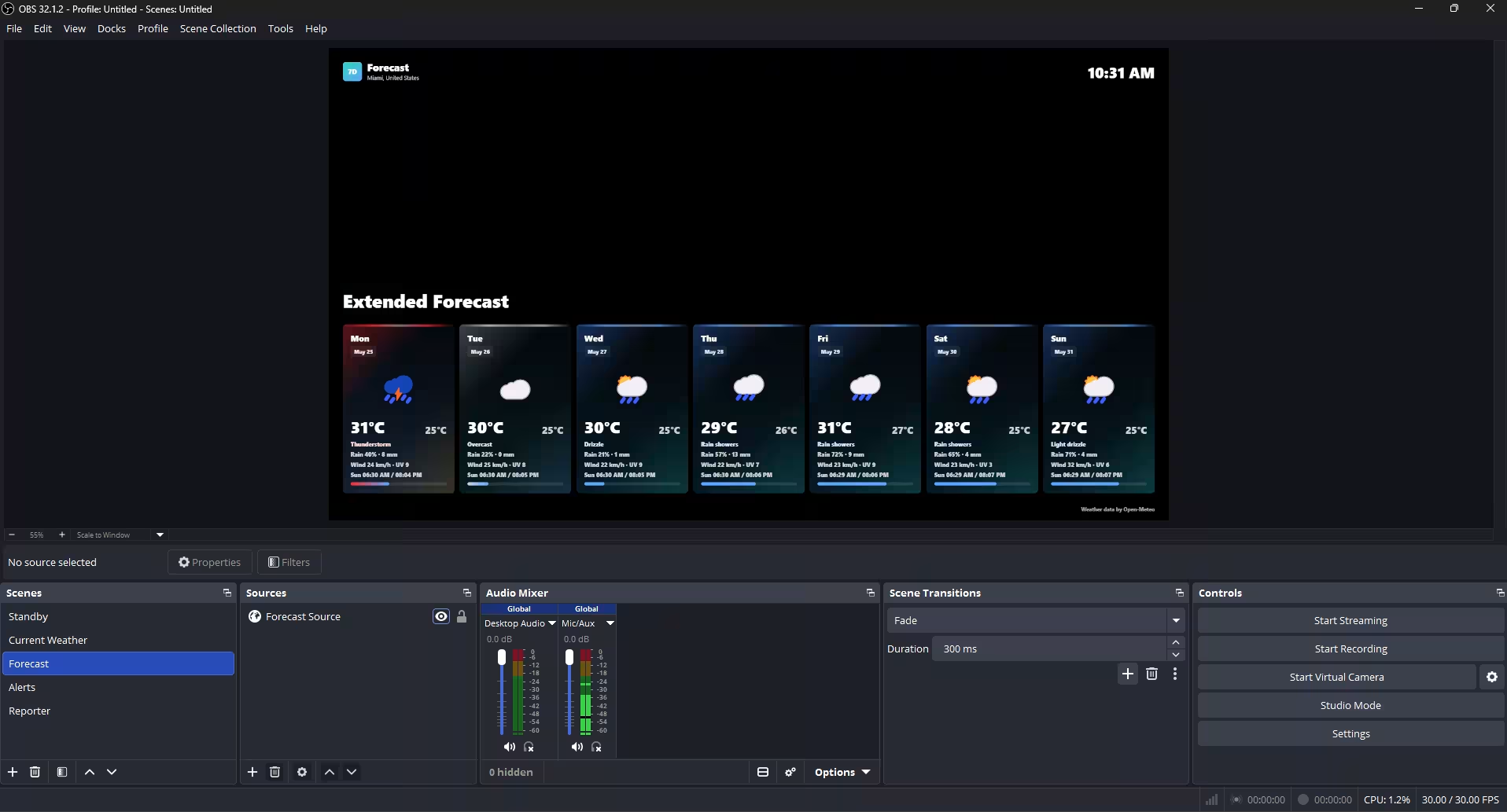
Run live weather broadcasts with radar, forecasts, alerts, seven scenes and eleven widgets, plus a control dashboard and optional OBS automation.
Nine weather overlays for OBS and Streamlabs: current conditions, forecasts, hourly strip, NWS alerts, ticker, standby screen and reporter lower third.
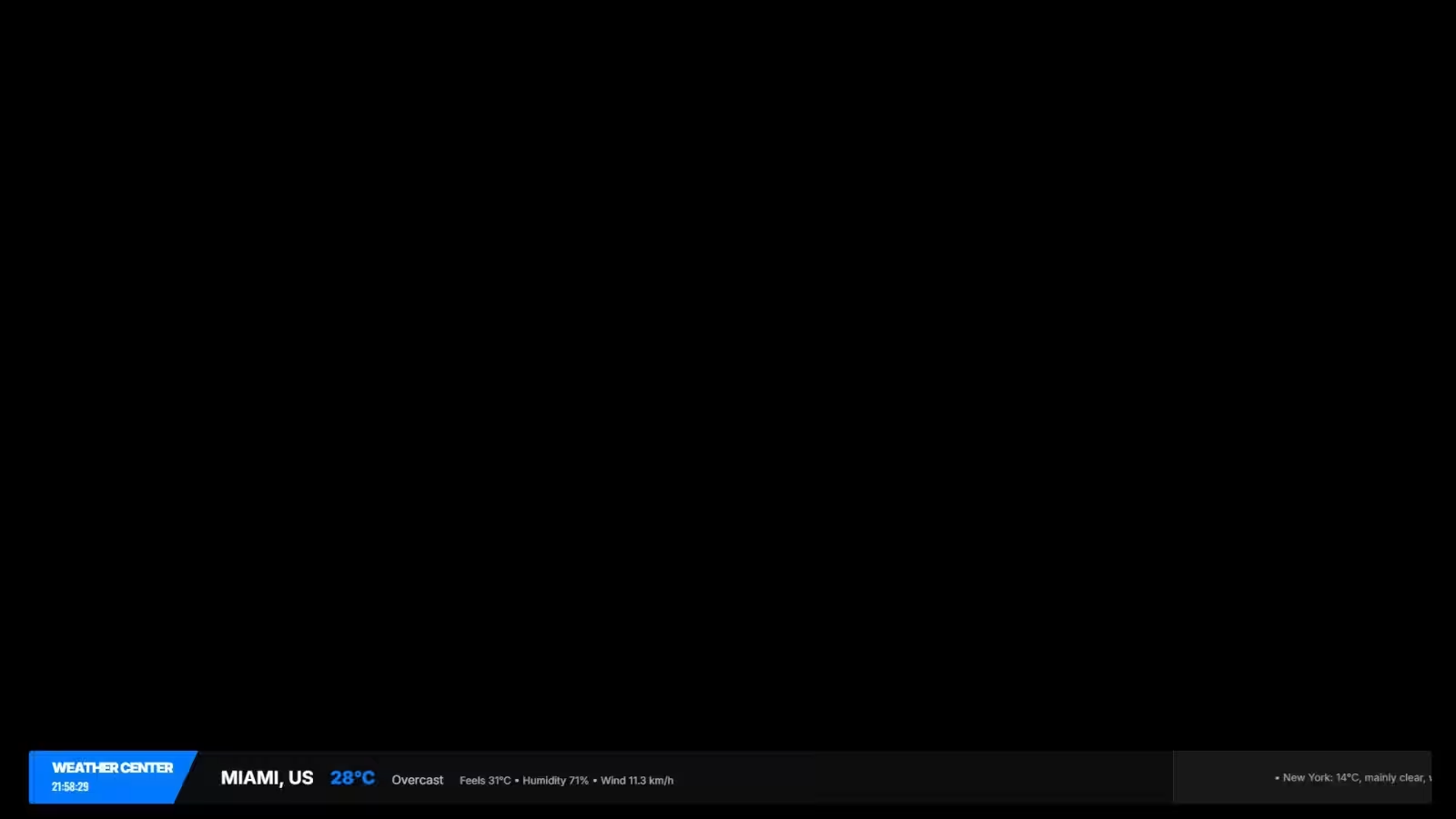
Animated weather ticker that rotates through your cities with Celsius or Fahrenheit, humidity, wind and a clock. For OBS, Streamlabs and web dashboards.
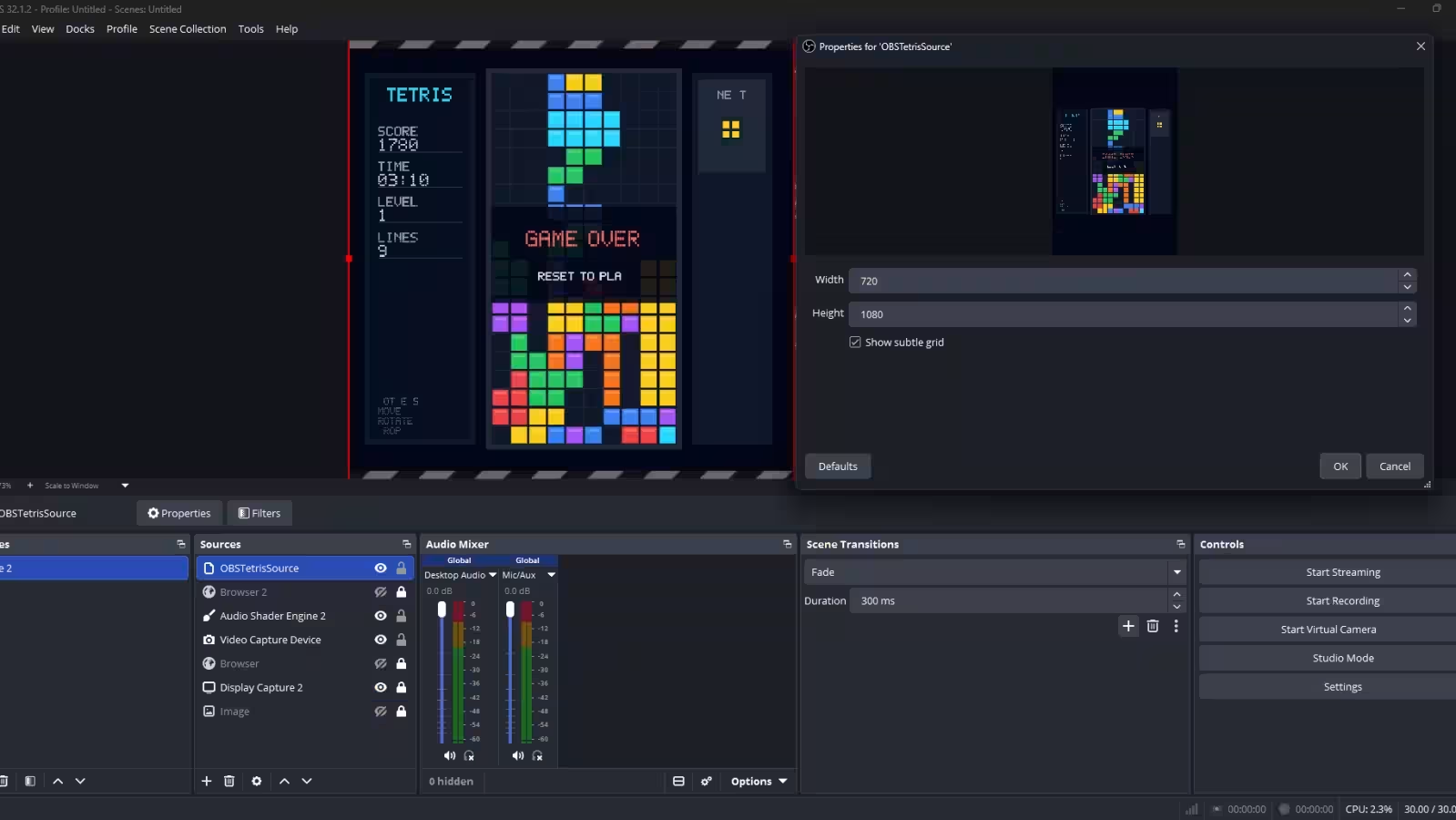
Free OBS Studio plugin that adds a playable Tetris source with score, level, lines, timer and next-piece preview, controlled with OBS hotkeys.
Meet PokeIndie
Discover indie games, talk to their developers and find paid streaming opportunities.
Explore PokeIndie
Browse moderated channel reports and see how long reported cases took to resolve.

Build and export a countdown timer for OBS or Streamlabs.

Find games, connect with developers and share your stream highlights.
我们的工具
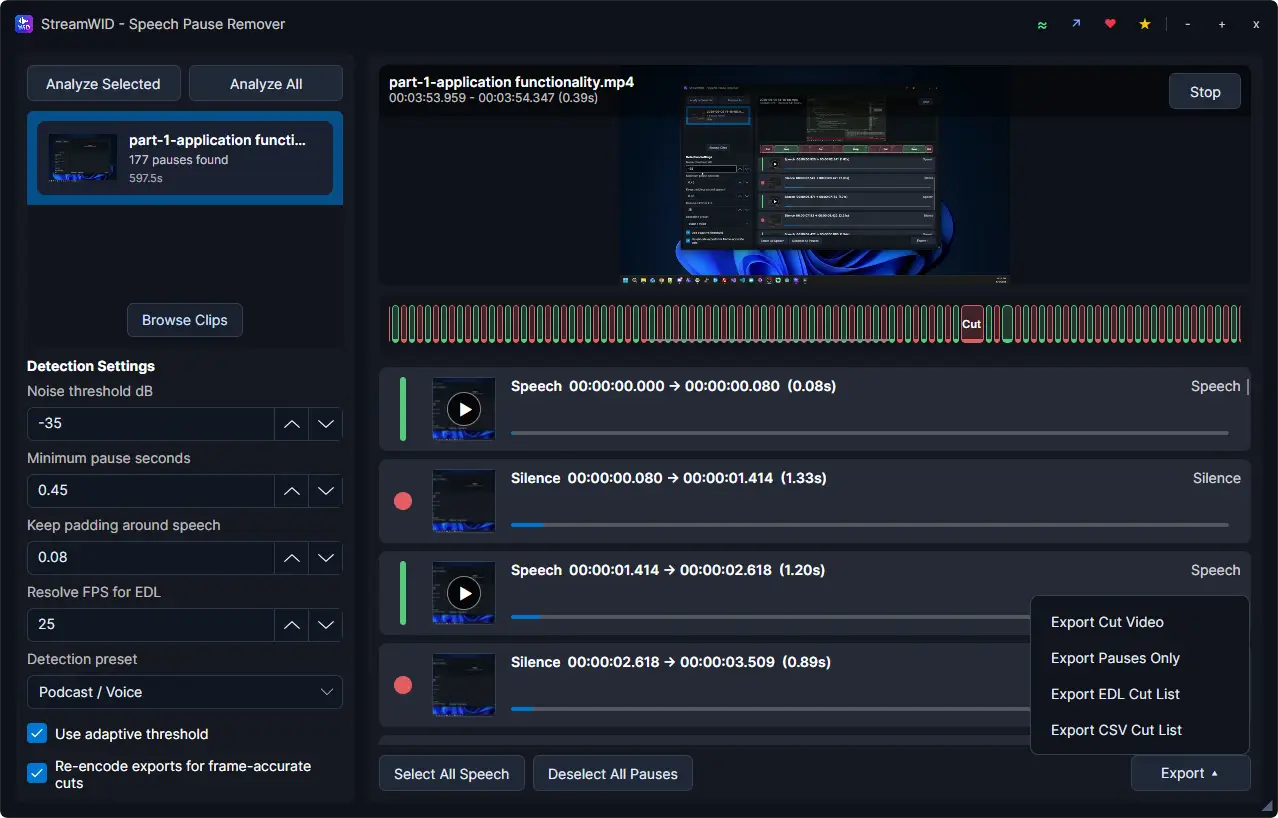
去除语音停顿与静音
通过 FFmpeg 检测可能的停顿,在时间轴上逐一审阅每处剪切,然后导出更干净的视频、停顿片段、EDL 标记或 CSV 剪辑列表。
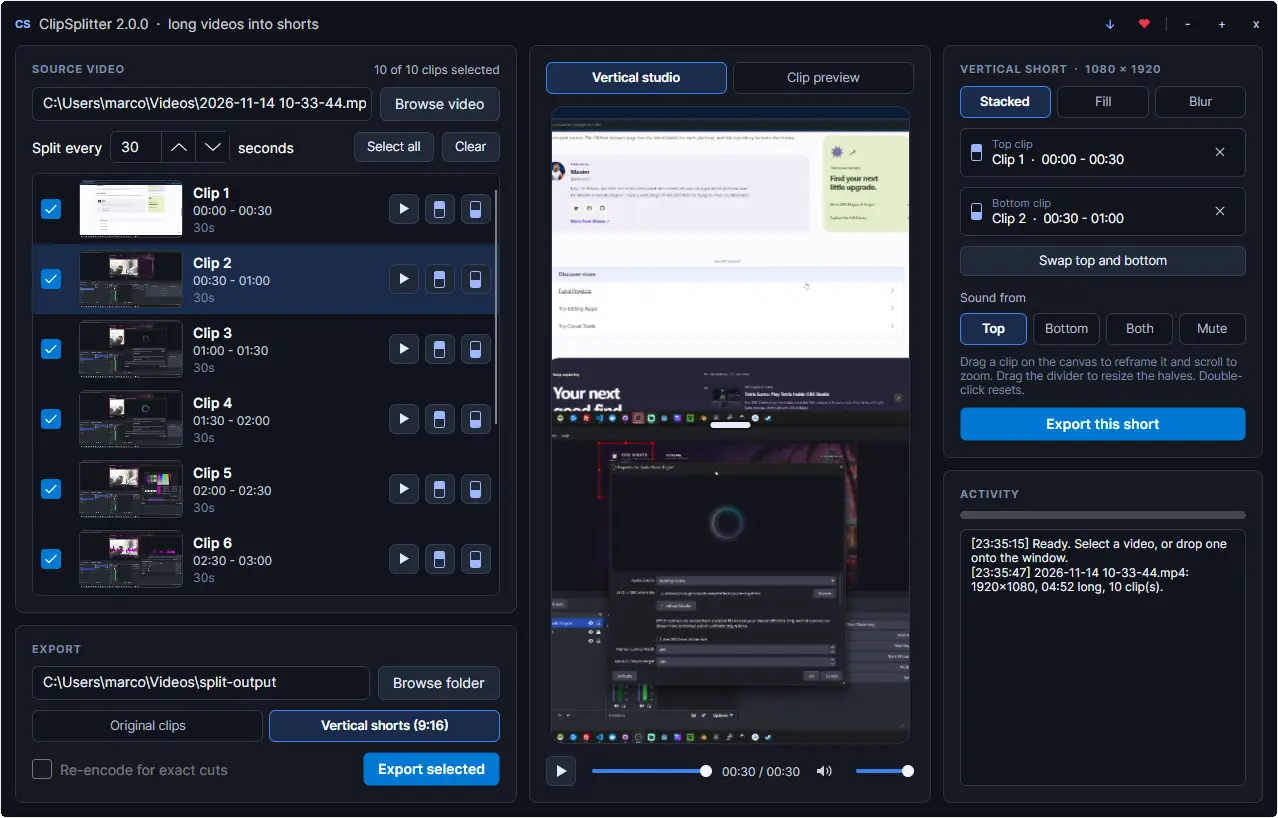
将长录像切分成片段
将长录像切分为固定时长的片段,并使用清晰的时间戳文件名,默认使用快速的流复制模式,需要时也可切换为精确的重新编码。
为什么选择 Streamwid Labs
每款工具都免费使用,源代码在 GitHub 上公开。没有试用限制,也没有隐藏付费功能。
不会将任何内容上传到服务器处理。视频始终保留在本地,由 FFmpeg 处理。
基于 Avalonia 和 .NET 8 开发,同一套代码支持 Windows、Linux 和 macOS。
检测功能只是给出候选建议,导出前由你审阅并确认。
使用指南
Step-by-step guides for the editing jobs streamers do every week.
Creator reviews
Honest notes from people who use StreamWID, ClipSplitter and the resources in the library help everyone choose faster.
是的。两款工具都可免费使用并且开源,源代码在 GitHub 上公开。没有试用限制、订阅或付费版本。
不会。两款应用都在你自己的电脑上运行,并使用 FFmpeg 在本地处理文件。你的录像不会被发送到服务器进行处理。
两款工具均基于 Avalonia 和 .NET 8 打造,支持 Windows、Linux 和 macOS。下载包发布在各工具的 GitHub 发布页面。
需要。应用依赖 FFmpeg 和 FFprobe 来分析和导出视频,StreamWID 还会使用 FFplay 进行预览。它们需要在系统 PATH 中可用。
StreamWID 用于找出语音停顿和静音,并让你在导出前在时间轴上审阅每一处剪切。ClipSplitter 则把长录像切分成固定时长的片段,并使用时间戳文件名。它们解决的是不同的剪辑问题。
Sponsored by
Sponsor the project
Four monthly plans from $10, from a logo in the header rail to a spot in every new YouTube clip. Apply in a couple of minutes and go live within 48 hours.
联系我们
欢迎就 Bug、功能建议、赞助合作或打包问题给我们留言。