Audio Stems Recorder: Multitrack WAV Plugin for OBS
Free OBS Studio plugin that records each audio source as its own WAV stem while you stream or record, with trimming, normalization and markers.
- OBS Studio
From discovery to your next broadcast
Plan your setup
Check compatibility
Listed platforms: OBS Studio. Confirm the required versions and dependencies before installing.
Preview before going live
Use a separate test scene or project. Check readability, timing and performance with your own layout and recording settings.
Make it your own
Follow the setup instructions below, check the creator’s license and save a working configuration before changing your broadcast.
A closer look
Audio Stems Recorder is a free, open-source OBS Studio plugin that captures each selected audio source as a separate WAV file whenever you record or stream. Your microphone, game audio, Discord, music and browser audio each land on their own track, ready for editing.
At a glance
- Resource type: Plugin.
- Listed platforms: OBS Studio.
- Source: GitHub releases and repository. Check current requirements and license terms there.
Features
- Isolated stems for any OBS audio source: microphone, game, Discord or voice chat, music, browser audio and more.
- Automatic sessions that start with OBS recording or streaming.
- Organized output with custom source aliases for clean file names.
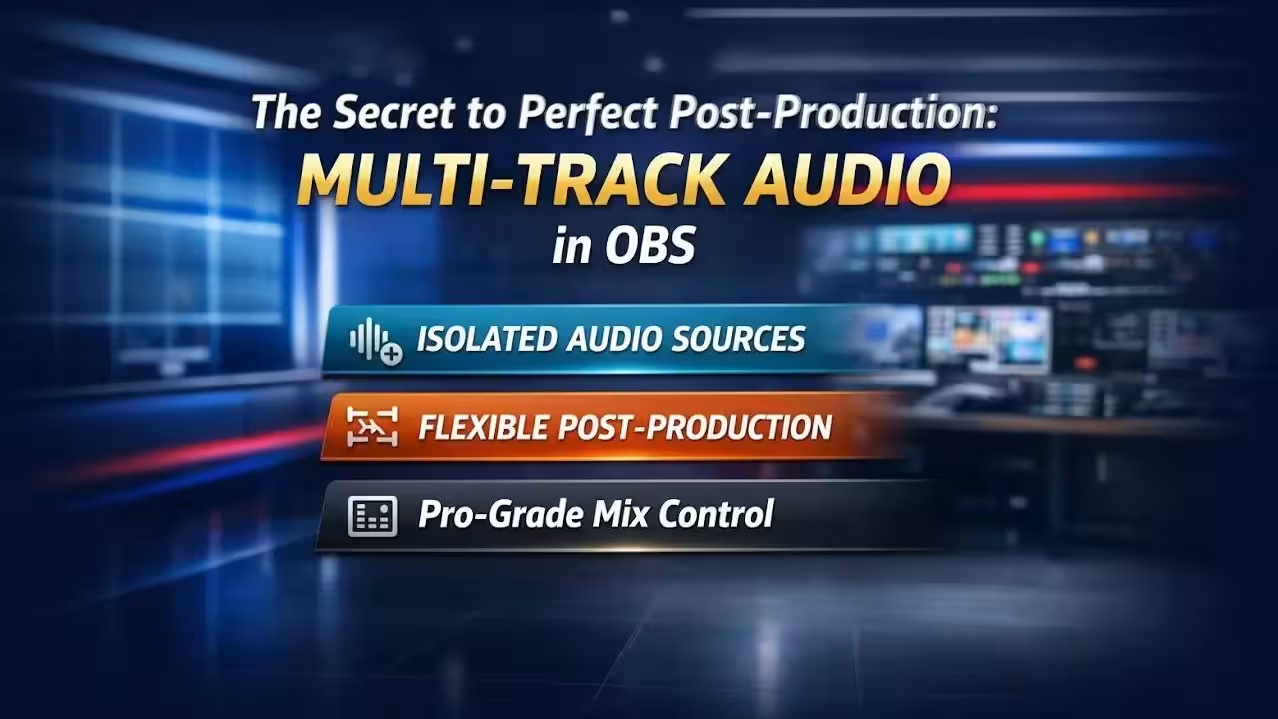
- Post-production ready: silence trimming, loudness normalization, scene change markers and time-aligned metadata.
Why stems help
- Shorts and highlights: lower the music without touching your voice, or boost reactions.
- Podcasts: every speaker on their own track, with noise reduction per voice.
- Clean up Discord audio separately and re-mix for vertical formats.
Get started
Download the release from GitHub, install it and restart OBS Studio. Choose which audio sources to capture and where sessions are saved, then start a recording or stream and check the stems in your output folder.
Files and license
Free and open source. The GitHub releases page has the latest builds for each platform, and the repository includes the license.