Popular right now

OBS Plugins & Scripts
Estamos trasladando los recursos y herramientas de StreamRSC a StreamWID. Biblioteca de recursos
A little extra for your next live
Overlays with personality. Plugins that do more.
Find your next favorite tool and make it yours.
78 resources. Browse freely, no account needed.
The community's radar
Most popular resources by page views over the last 30 complete days.
Free OBS scoreboard plugin: teams, logos, scores, stats and timers in a dock, hotkeys, WebSocket control and HTML templates for sports and esports.
3,113 views in 30 days
Free OBS Studio audio visualizer: turn any audio source into reactive waves, bars and shapes, with custom shaders and a 64-band spectrum.
2,999 views in 30 days
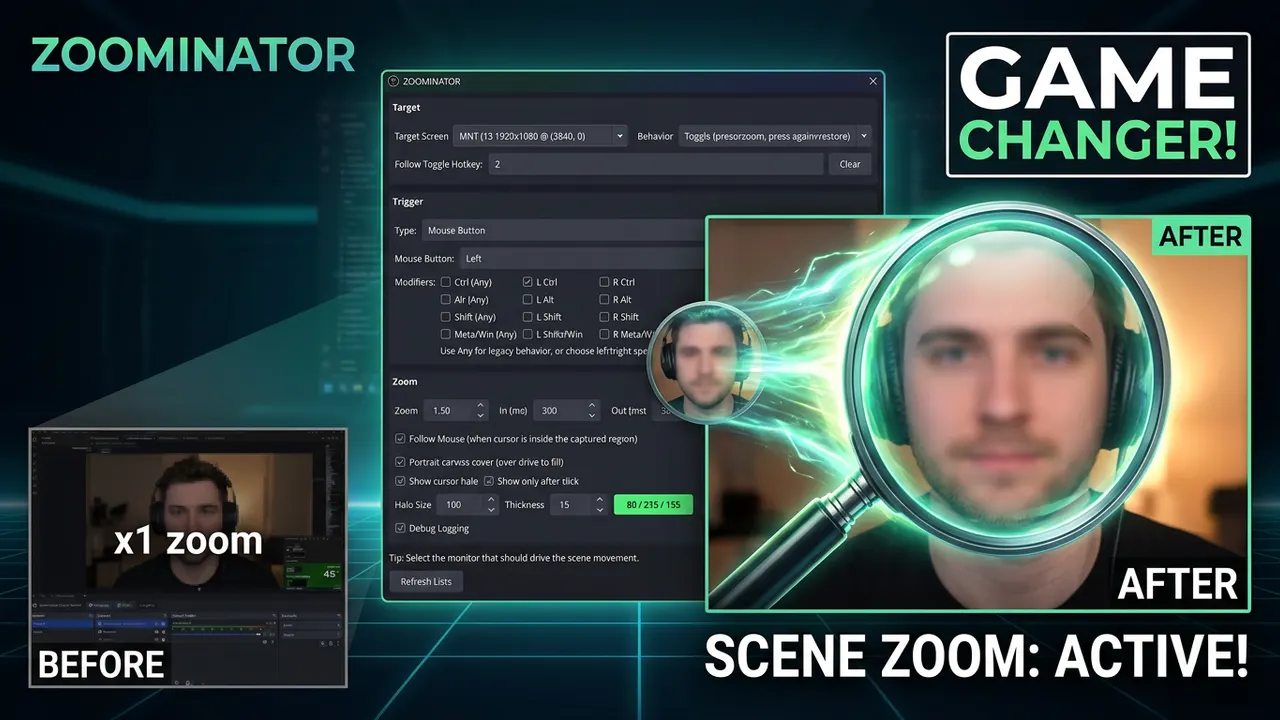
Free OBS Studio plugin that zooms and follows your mouse cursor with smart clamping, click highlights and wheel zoom. Ideal for tutorials and coding.
2,736 views in 30 days
Beyond the default setup
Give OBS a few new tricks. Explore plugins for your audio, scenes and live workflow.
Explore OBS pluginsA forecast worth watching
Live forecasts, radar and weather overlays, ready for your next broadcast.
Explore weather toolsPicking up speed
Resources with the largest increase in page views over the previous week.
Discover what's new+67 views this week
+61 views this week
+45 views this week
Two complete 7-day periods. At least 10 views this week and activity in the previous week.
From browsing to building
The most visited source links over the last 30 complete days.
Free OBS Studio audio visualizer: turn any audio source into reactive waves, bars and shapes, with custom shaders and a 64-band spectrum.
1,402 source-link clicks
Free OBS scoreboard plugin: teams, logos, scores, stats and timers in a dock, hotkeys, WebSocket control and HTML templates for sports and esports.
1,186 source-link clicks
Free OBS Studio plugin that zooms and follows your mouse cursor with smart clamping, click highlights and wheel zoom. Ideal for tutorials and coding.
1,071 source-link clicks
Fresh additions
The latest resources to land in the library.
Free, open-source scoreboard for PUBG custom-room tournaments. Enter placements and kills in a browser control panel and four animated OBS overlays update instantly.
GTA 6 is around the corner. Get your streaming setup ready with animated OBS overlays for Starting Soon, BRB, Just Chatting, and a transparent camera frame.
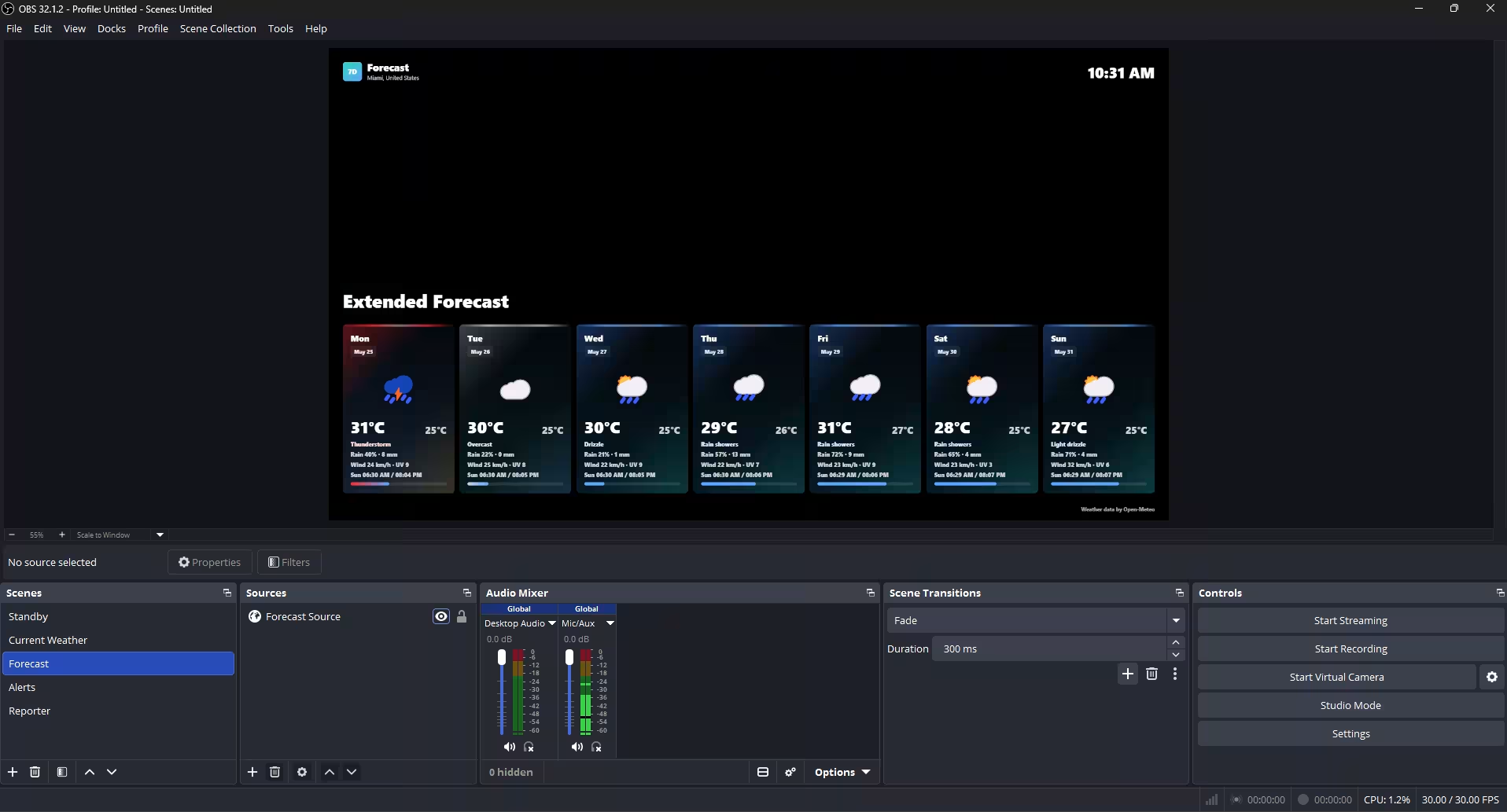
Run live weather broadcasts with radar, forecasts, alerts, seven scenes and eleven widgets, plus a control dashboard and optional OBS automation.
Nine weather overlays for OBS and Streamlabs: current conditions, forecasts, hourly strip, NWS alerts, ticker, standby screen and reporter lower third.
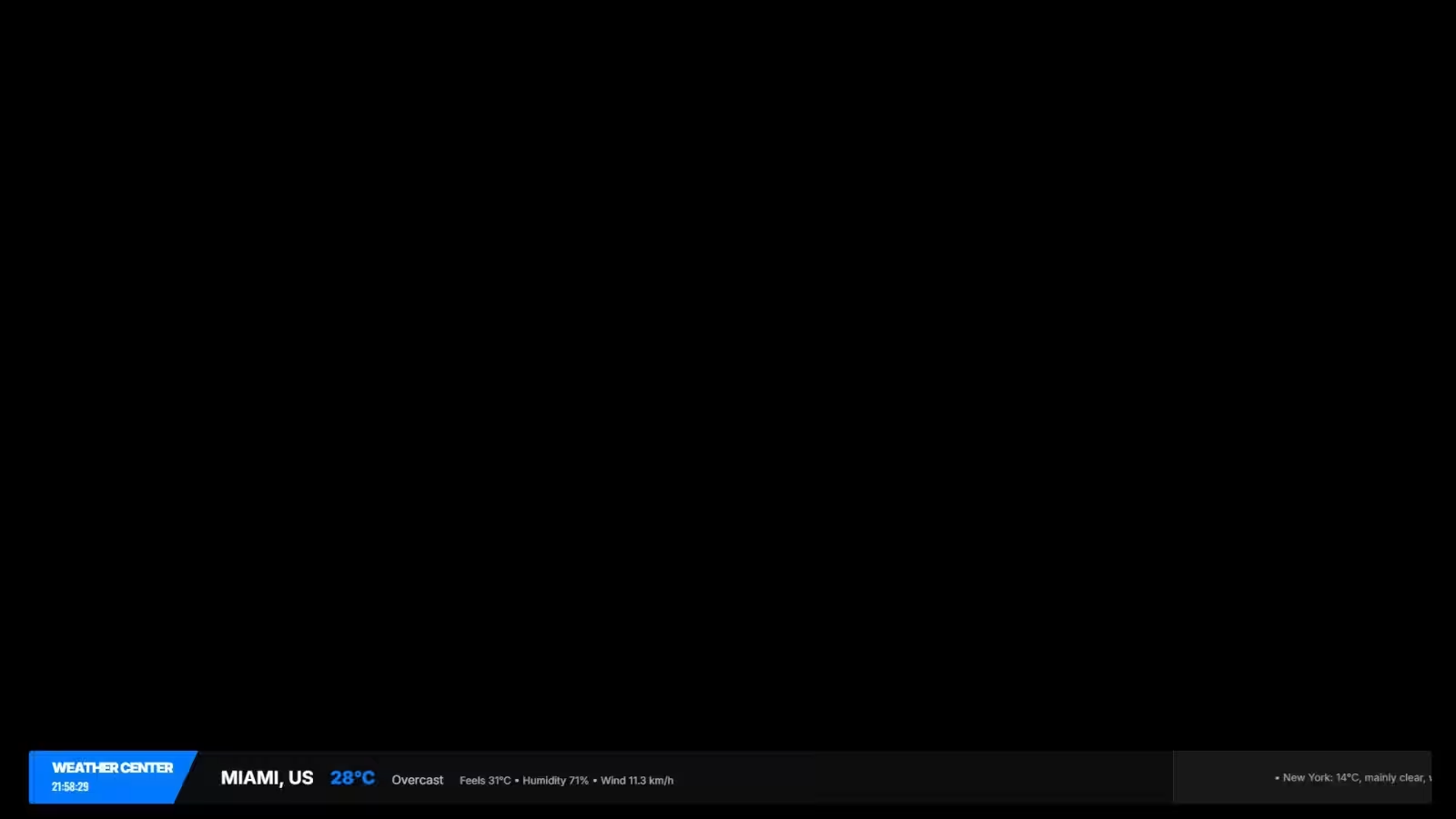
Animated weather ticker that rotates through your cities with Celsius or Fahrenheit, humidity, wind and a clock. For OBS, Streamlabs and web dashboards.
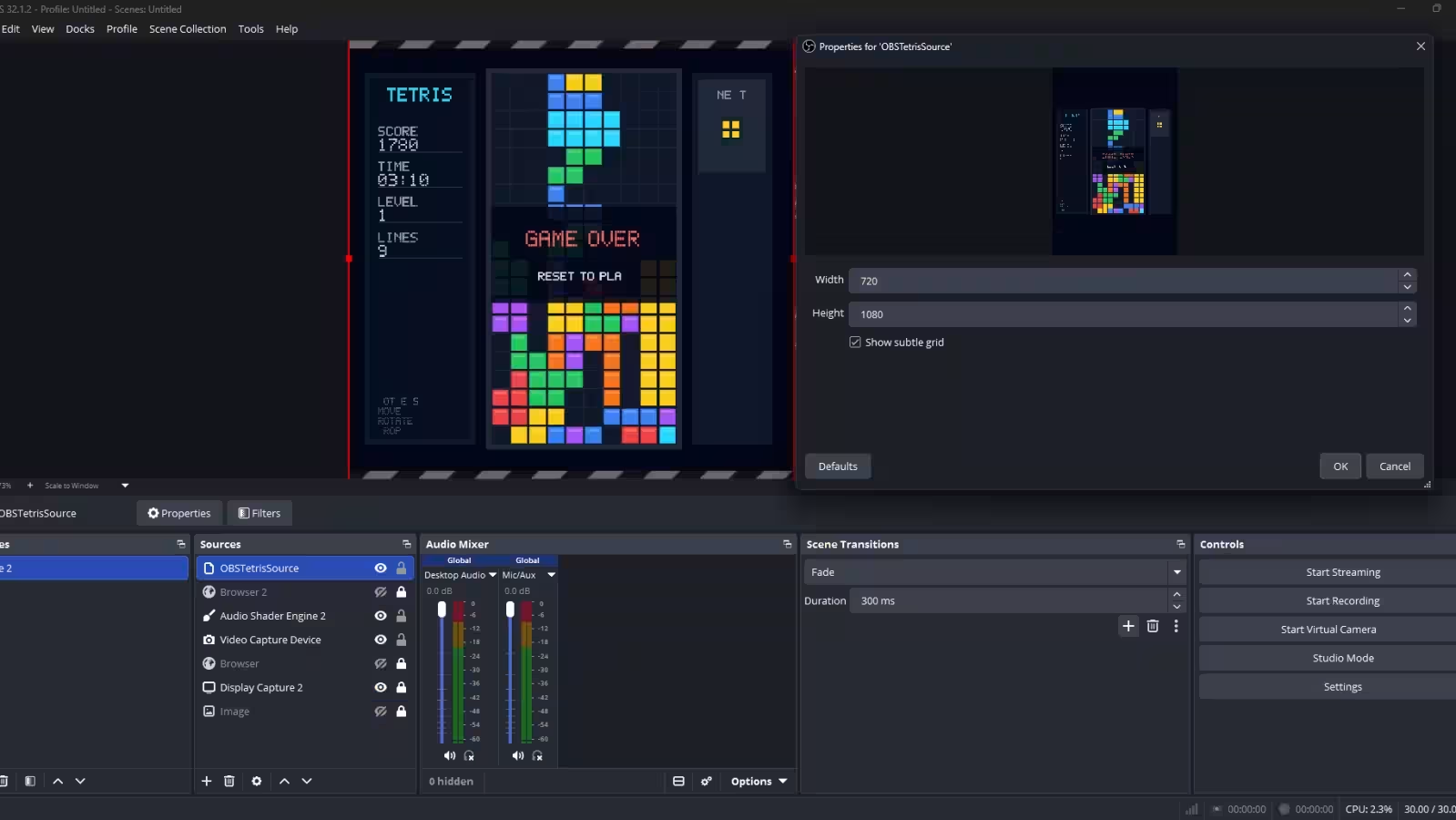
Free OBS Studio plugin that adds a playable Tetris source with score, level, lines, timer and next-piece preview, controlled with OBS hotkeys.
Meet PokeIndie
Discover indie games, talk to their developers and find paid streaming opportunities.
Explore PokeIndie
Browse moderated channel reports and see how long reported cases took to resolve.

Build and export a countdown timer for OBS or Streamlabs.

Find games, connect with developers and share your stream highlights.
Nuestras herramientas
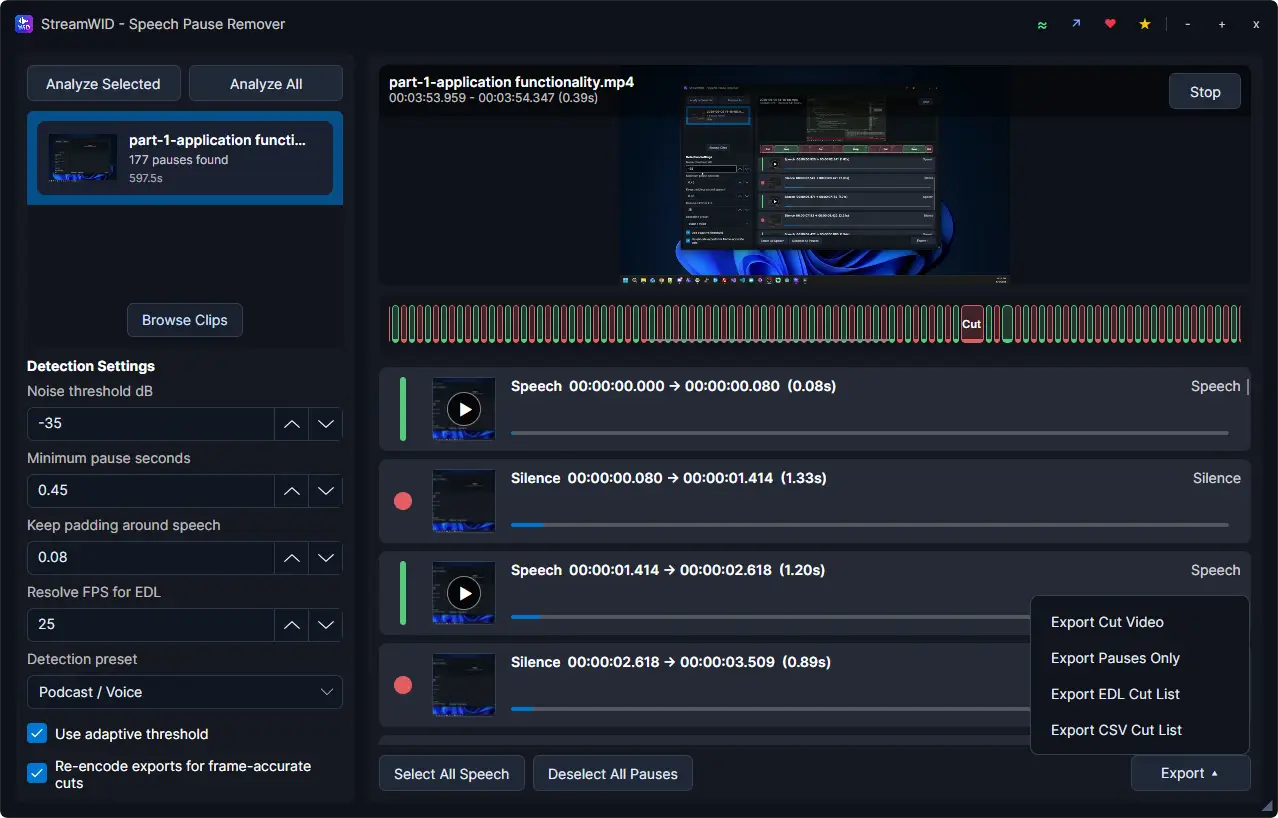
Elimina pausas y silencios de voz
Detecta posibles pausas con FFmpeg, permite revisar cada corte en una línea de tiempo y exporta un vídeo más limpio, clips de pausas, marcadores EDL o listas de corte CSV.
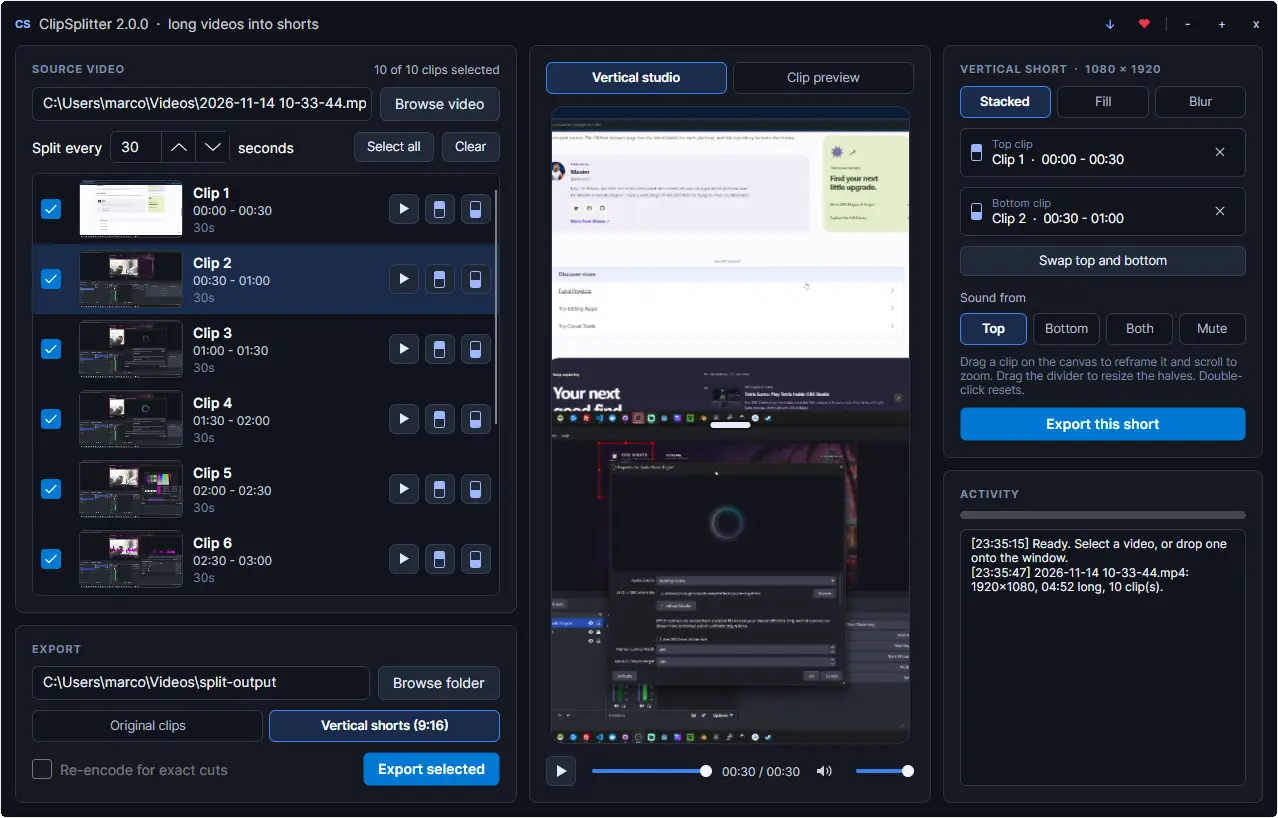
Divide grabaciones largas en clips
Divide grabaciones largas en segmentos de duración fija con nombres de archivo con marca de tiempo, usando copia de flujo rápida por defecto o recodificación precisa cuando hace falta.
Por qué Streamwid Labs
Cada herramienta es gratuita y su código es público en GitHub. Sin límites de prueba ni funciones ocultas de pago.
Nada se sube a un servidor para procesarse. El vídeo permanece local y se procesa con FFmpeg.
Desarrollado con Avalonia y .NET 8 para Windows, Linux y macOS a partir del mismo código base.
La detección sugiere candidatos. Tú revisas y confirmas antes de exportar nada.
Guías
Step-by-step guides for the editing jobs streamers do every week.
Umbral, duración mínima, margen y revisión: los ajustes que evitan cortar palabras.
Leer la guíaSegmentación de duración fija, convenciones de nombres y cuándo recodificar en vez de copiar el flujo.
Leer la guíaCreator reviews
Honest notes from people who use StreamWID, ClipSplitter and the resources in the library help everyone choose faster.
Preguntas frecuentes
Still unsure? Send us a message and we will get back to you.
Sí. Ambas herramientas son gratuitas y de código abierto, con el código fuente público en GitHub. No hay límites de prueba, suscripciones ni planes de pago.
No. Ambas aplicaciones se ejecutan en tu ordenador y procesan los archivos en local con FFmpeg. Tus grabaciones nunca se envían a un servidor para procesarlas.
Ambas herramientas están creadas con Avalonia y .NET 8 para Windows, Linux y macOS. Las descargas se publican en la página de versiones de GitHub de cada herramienta.
Sí. Las aplicaciones usan FFmpeg y FFprobe para analizar y exportar vídeo, y StreamWID también usa FFplay para las vistas previas. Deben estar disponibles en el PATH del sistema.
StreamWID detecta pausas del habla y silencios y te deja revisar cada corte en una línea de tiempo antes de exportar. ClipSplitter divide una grabación larga en clips de duración fija con nombres de archivo basados en marcas de tiempo. Resuelven problemas de edición distintos.
Sponsored by
Sponsor the project
Four monthly plans from $10, from a logo in the header rail to a spot in every new YouTube clip. Apply in a couple of minutes and go live within 48 hours.
Contacto
Envía un mensaje sobre errores, solicitudes de funciones, patrocinio o problemas de empaquetado.