Source Draw: Live Drawing & Annotation Plugin for OBS
Free OBS Studio plugin for drawing on your stream: pen, shapes, eraser, opacity, undo and ink that stays or fades. Mouse, tablet and touch.
- OBS Studio
- Windows
- macOS
- Linux

From discovery to your next broadcast
Plan your setup
Check compatibility
Listed platforms: OBS Studio, Windows, macOS, Linux. Confirm the required versions and dependencies before installing.
Preview before going live
Use a separate test scene or project. Check readability, timing and performance with your own layout and recording settings.
Make it your own
Follow the setup instructions below, check the creator’s license and save a working configuration before changing your broadcast.
A closer look
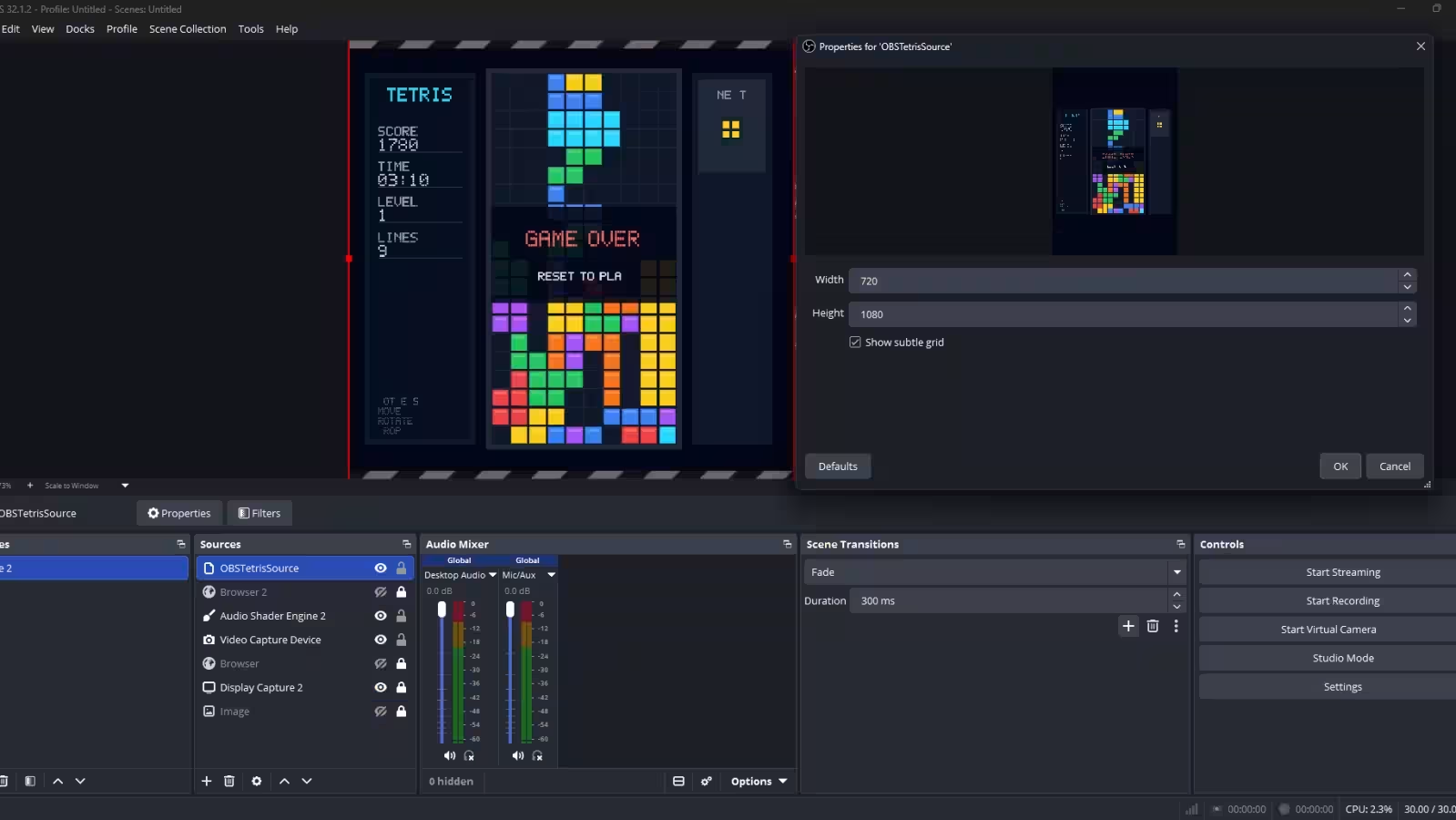
Source Draw (Instant Highlight Source Draw) is a free, open-source OBS Studio plugin that lets you draw directly on the OBS preview while you stream. Circle a detail, point with an arrow or sketch an idea without any browser source, external overlay or extra compositing step.
At a glance
- Resource type: Plugin.
- Listed platforms: OBS Studio, Windows, macOS, Linux.
- Source: GitHub releases and repository. Check current requirements and license terms there.
Features
- Freehand pen plus square, circle, arrow and heart shapes.
- Pixel-level eraser, adjustable line thickness (1 to 64 px) and eraser size (4 to 256 px).
- Color picker with independent opacity.
- Two release behaviors: keep ink until cleared, or fade it out automatically.
- Multi-level undo and redo.
- Mouse, graphics tablet and touch input.
- "Add canvas" creates a full-scene drawing layer, and an optional mirror source lets you draw over another source.
- Dock layout and visibility are remembered across restarts.
Requirements
OBS Studio 31 or later on Windows x64, Linux x86_64 or macOS (Intel and Apple Silicon).
Get started
Download the release from GitHub and install it (Windows installer, macOS package or Linux .deb), then restart OBS Studio. Open the drawing dock, add a canvas to your scene and start drawing on the preview.
Files and license
Free and open source. The GitHub releases page has the latest builds for each platform, and the repository includes the license.