Better Screenshot: OBS Screenshot Plugin with Discord Upload
Free OBS Studio plugin: capture screenshots with a hotkey as PNG, JPG or WebP, save to a custom folder and post them to Discord through a webhook.
- OBS Studio
From discovery to your next broadcast
Plan your setup
Check compatibility
Listed platforms: OBS Studio. Confirm the required versions and dependencies before installing.
Preview before going live
Use a separate test scene or project. Check readability, timing and performance with your own layout and recording settings.
Make it your own
Follow the setup instructions below, check the creator’s license and save a working configuration before changing your broadcast.
A closer look
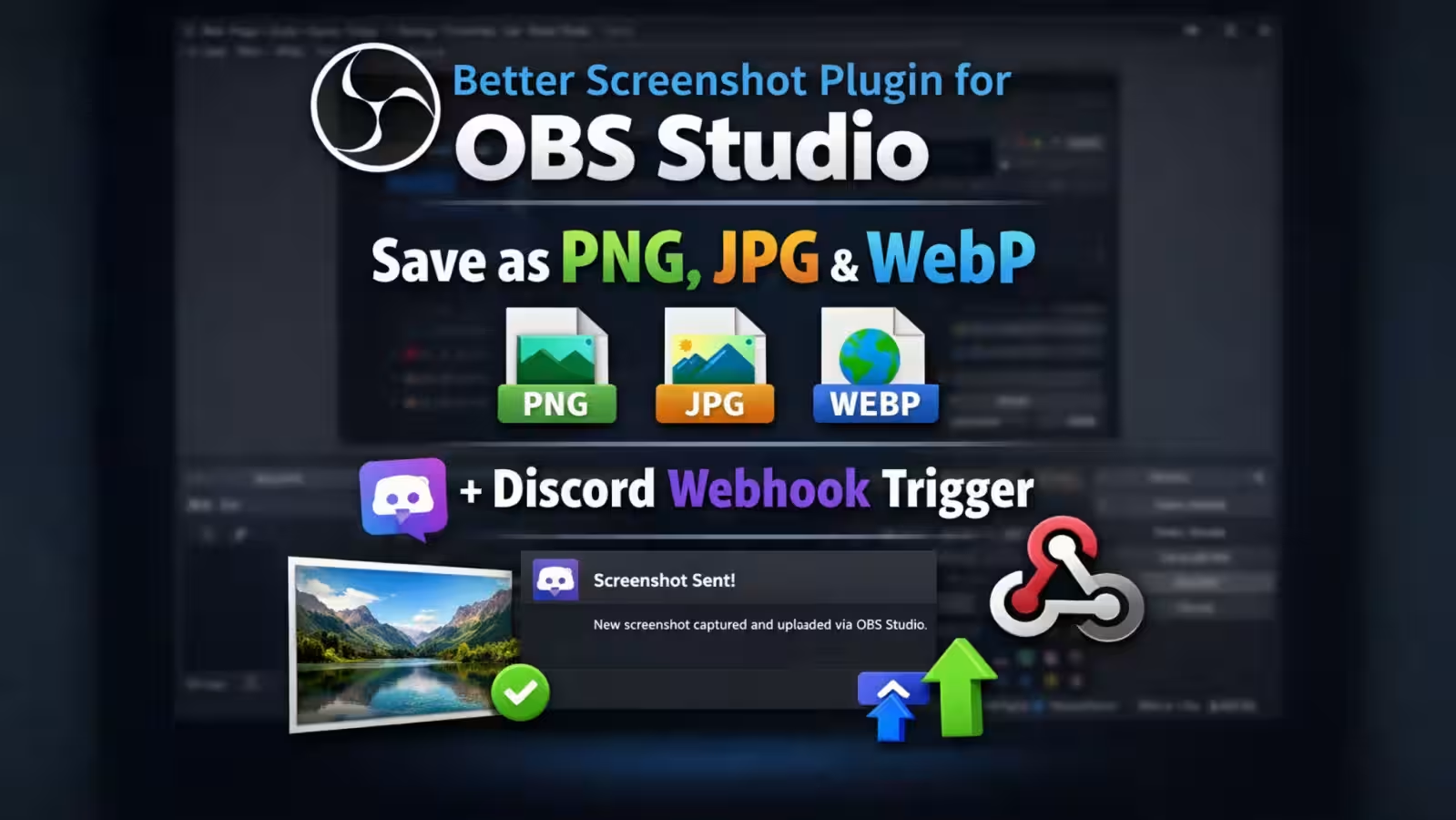
Better Screenshot is a free, open-source screenshot plugin for OBS Studio. It removes the usual detour of finding, converting and uploading captures: press a hotkey and the screenshot is saved in the format you want and can be posted straight to a Discord channel.
At a glance
- Resource type: Plugin.
- Listed platforms: OBS Studio.
- Source: GitHub releases and repository. Check current requirements and license terms there.
Features
- Custom hotkey (Ctrl+Shift+S by default).
- Save as PNG for quality, or JPG and WebP for small, share-ready files.
- Custom save folder.
- Discord webhook integration with an optional message.
Built for
Sharing highlights with your community, grabbing thumbnails and blog images, and keeping a record of moments without leaving your stream.
Get started
Download the release from GitHub, install it and restart OBS Studio. Set your hotkey, choose the image format and save folder, and paste a Discord webhook URL if you want captures posted automatically. On Windows the Discord upload needs the Qt TLS backend described in the README.
Files and license
Free and open source. The GitHub releases page has the latest builds for each platform, and the repository includes the license.