Magical Color Mist Shader for OBS
Shader that builds a flowing mist border and animated glow from your source's own colors in OBS. Adjustable range and intensity.
- OBS Studio

From discovery to your next broadcast
Plan your setup
Check compatibility
Listed platforms: OBS Studio. Confirm the required versions and dependencies before installing.
Preview before going live
Use a separate test scene or project. Check readability, timing and performance with your own layout and recording settings.
Make it your own
Follow the setup instructions below, check the creator’s license and save a working configuration before changing your broadcast.
A closer look
Magical Color Mist samples the colors of your source and turns them into a flowing, rising mist around the edges, so the glow always matches what is on screen. It works on webcams, game captures and images alike.
At a glance
- Resource type: Shader.
- Listed platforms: OBS Studio.
- Source: Ko-fi product page. Check current requirements and license terms there.
Controls
- Range: thickness of the mist border (default 0.12).
- Intensity: brightness and glow strength (default 1.5).
Get started
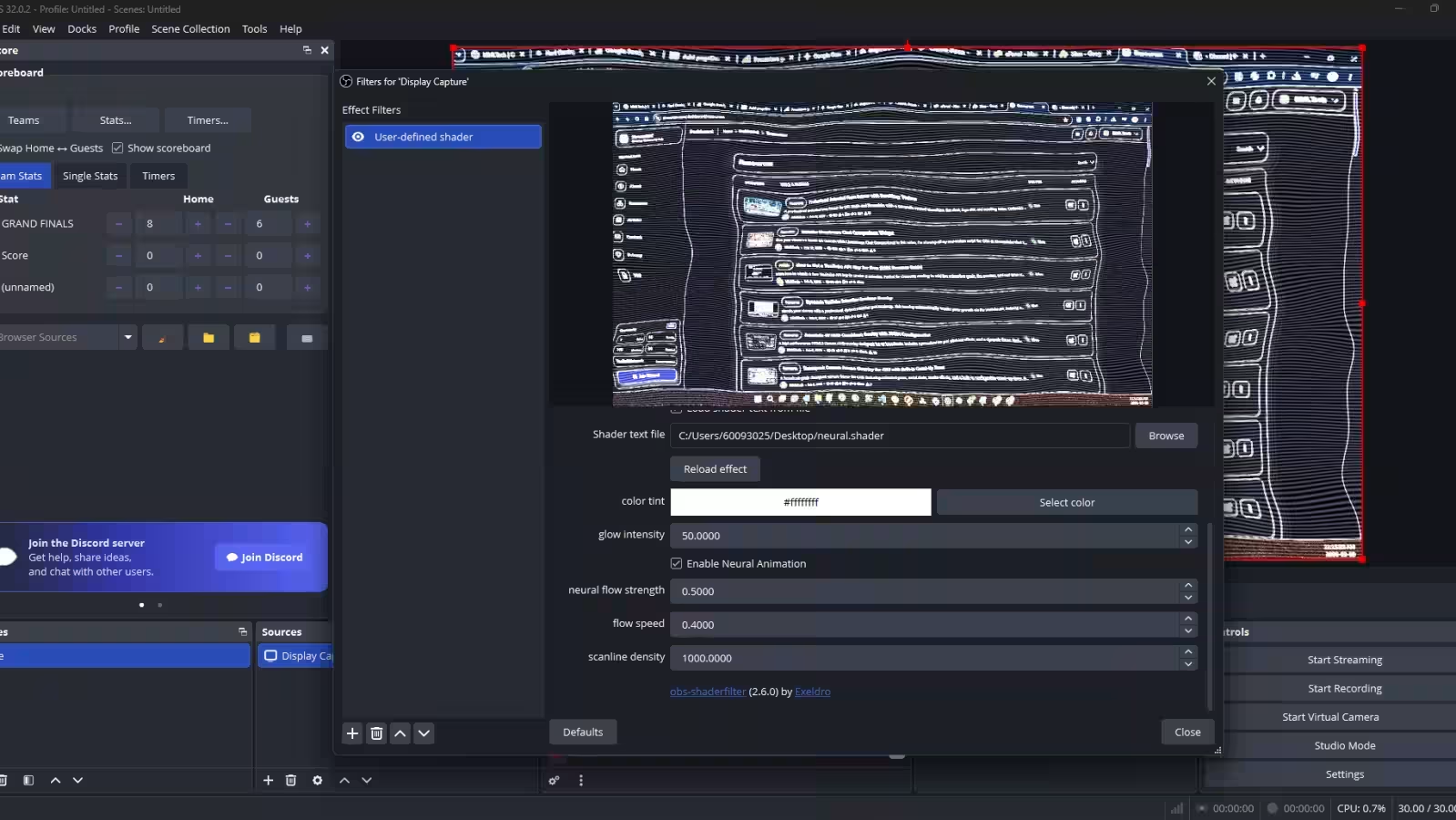
Install the obs-shaderfilter plugin, then add a User-defined shader filter to the source you want to style. Tick "Load shader text file", untick "Use Effect File (.effect)" (otherwise the time variables do not update and the animation freezes), load the shader file and adjust its parameters. Preview it at your normal stream resolution.
Files and license
Available from MML Tech on Ko-fi. Use the button on this page for the current price, the download and the license terms for personal and commercial streams.