Diablo-Inspired Animated Stream Overlay Pack
Dark fantasy stream package for Diablo and Path of Exile: pulsing vein background, embers, five scenes, countdown and social panels. OBS & Streamlabs.
- OBS Studio
- Streamlabs
- XSplit
- Meld Studio

From discovery to your next broadcast
Plan your setup
Check compatibility
Listed platforms: OBS Studio, Streamlabs, XSplit, Meld Studio. Confirm the required versions and dependencies before installing.
Preview before going live
Use a separate test scene or project. Check readability, timing and performance with your own layout and recording settings.
Make it your own
Follow the setup instructions below, check the creator’s license and save a working configuration before changing your broadcast.
A closer look
A gothic, dark fantasy stream package for Diablo IV, Path of Exile and other ARPG streams. An animated background with pulsing veins and ember particles runs in HTML5 and JavaScript, so it looks alive while using far less CPU than video-based overlays.
At a glance
- Resource type: Overlay.
- Listed platforms: OBS Studio, Streamlabs Desktop, XSplit Broadcaster, Meld Studio.
- Source: Ko-fi product page. Check current requirements and license terms there.
Features
- Animated vascular background with ember particles.
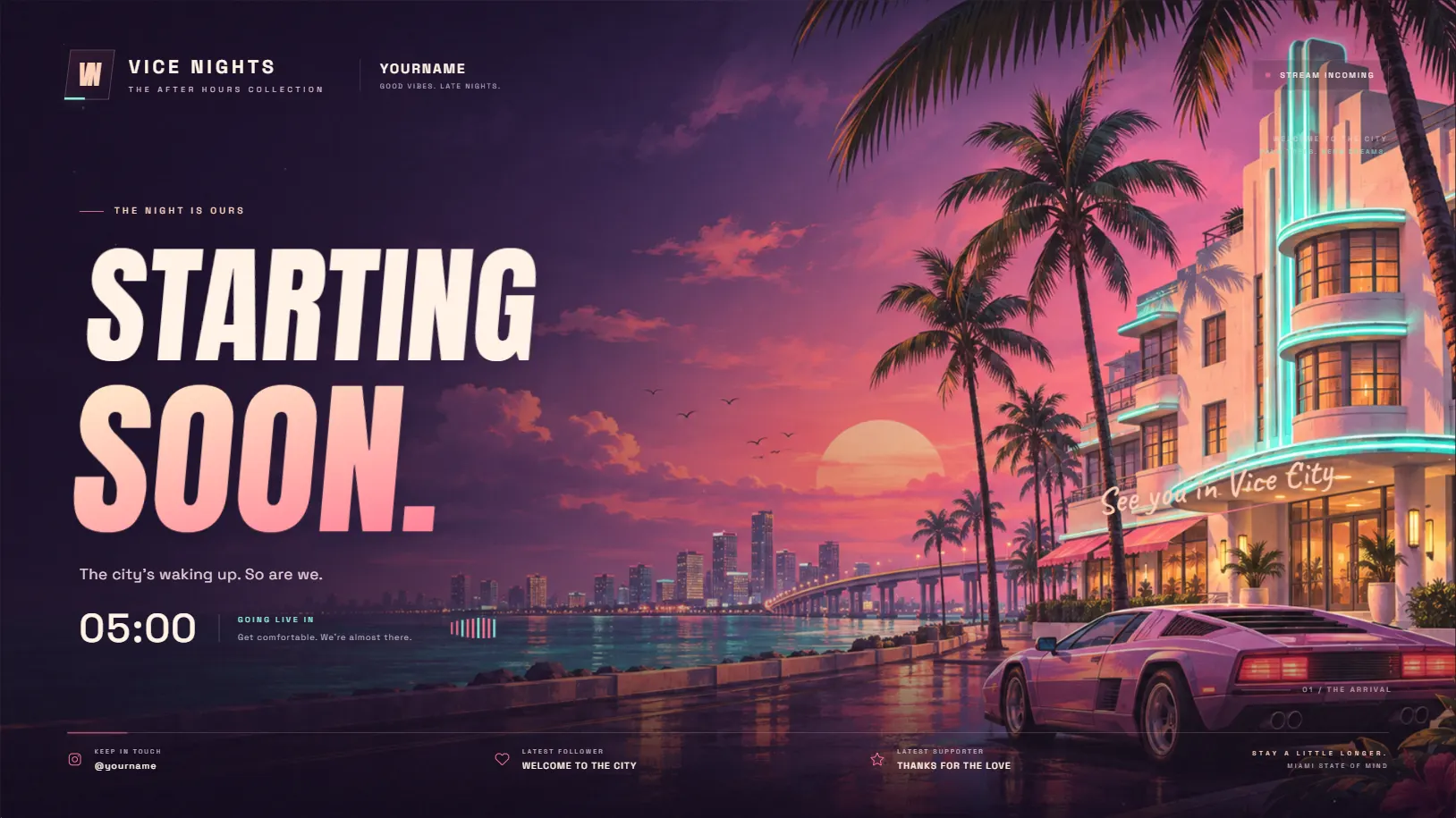
- Scenes for Starting Soon, Just Chatting, BRB, Stream Interrupted and Ending.
- Built-in countdown timer and social media panels.
- Configured through a simple config.json file.
- Lightweight code instead of heavy video loops.
Get started
Download the files and keep them together in a folder you can edit, such as Documents (Windows can block saving inside Program Files). In OBS Studio add a Browser Source, tick Local file and choose the HTML file; in Streamlabs Desktop, XSplit or Meld Studio add a browser or web page source pointing to the same file. Set the size to your canvas (usually 1920x1080), adjust the text, colors and timer in the configuration file, then refresh the source to apply your changes.
Files and license
Available from MML Tech on Ko-fi. Use the button on this page for the current price, the download and the license terms for personal and commercial streams.