Square Avatar Lower Third with Accent Colors for OBS
Lower third with a square profile picture beside name and title, configurable accent colors and smooth animation for streams and podcasts in OBS.
- OBS Studio
From discovery to your next broadcast
Plan your setup
Check compatibility
Listed platforms: OBS Studio. Confirm the required versions and dependencies before installing.
Preview before going live
Use a separate test scene or project. Check readability, timing and performance with your own layout and recording settings.
Make it your own
Follow the setup instructions below, check the creator’s license and save a working configuration before changing your broadcast.
A closer look
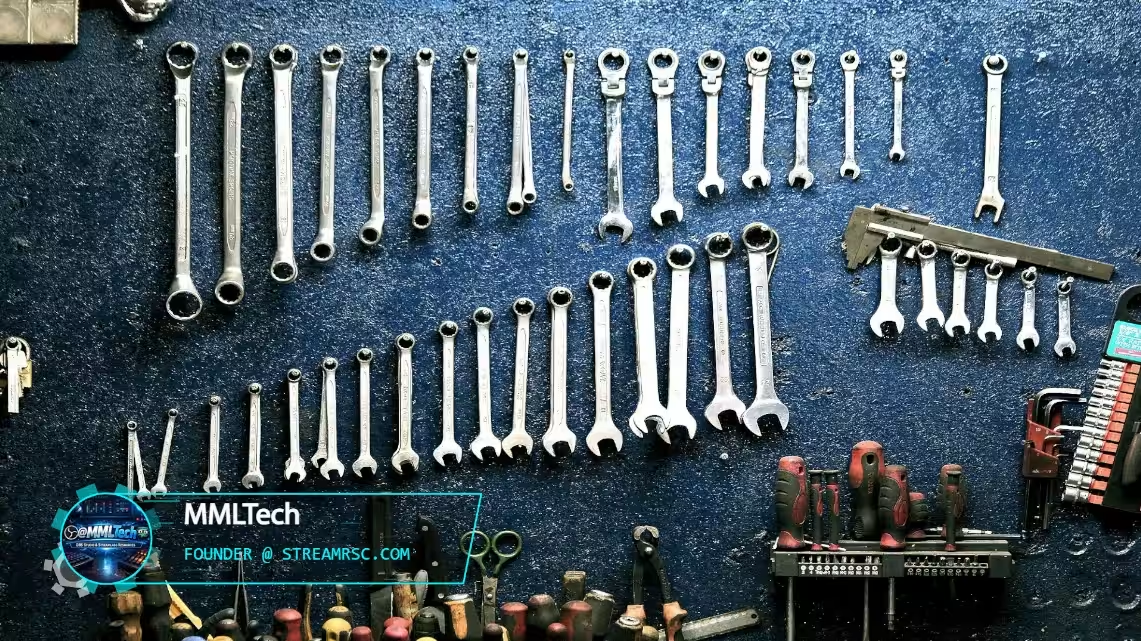
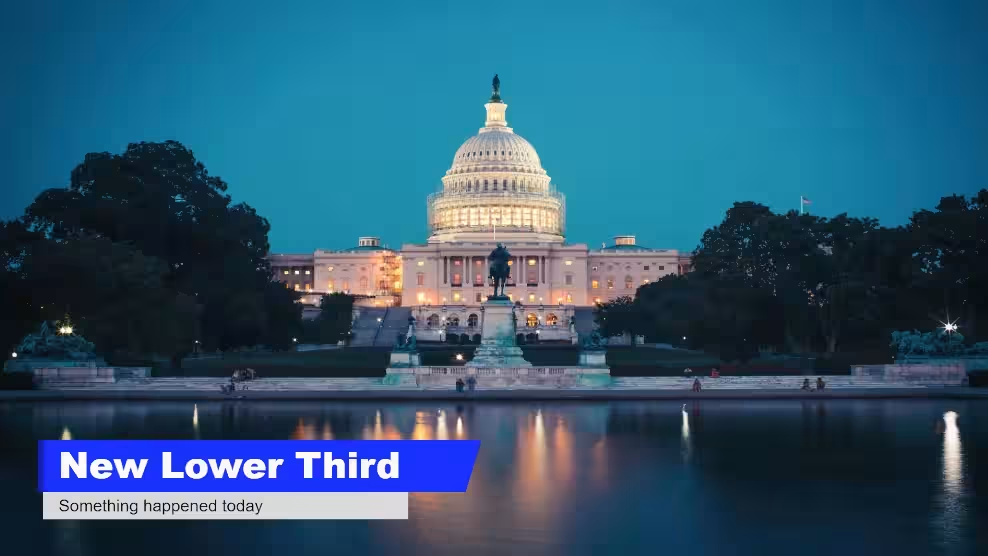
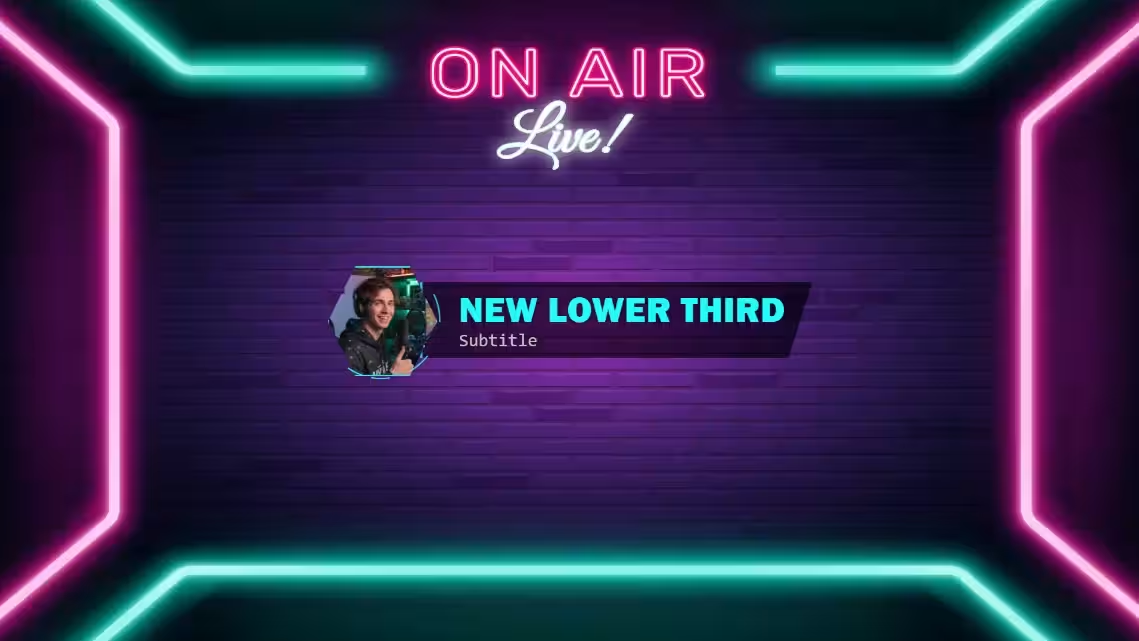
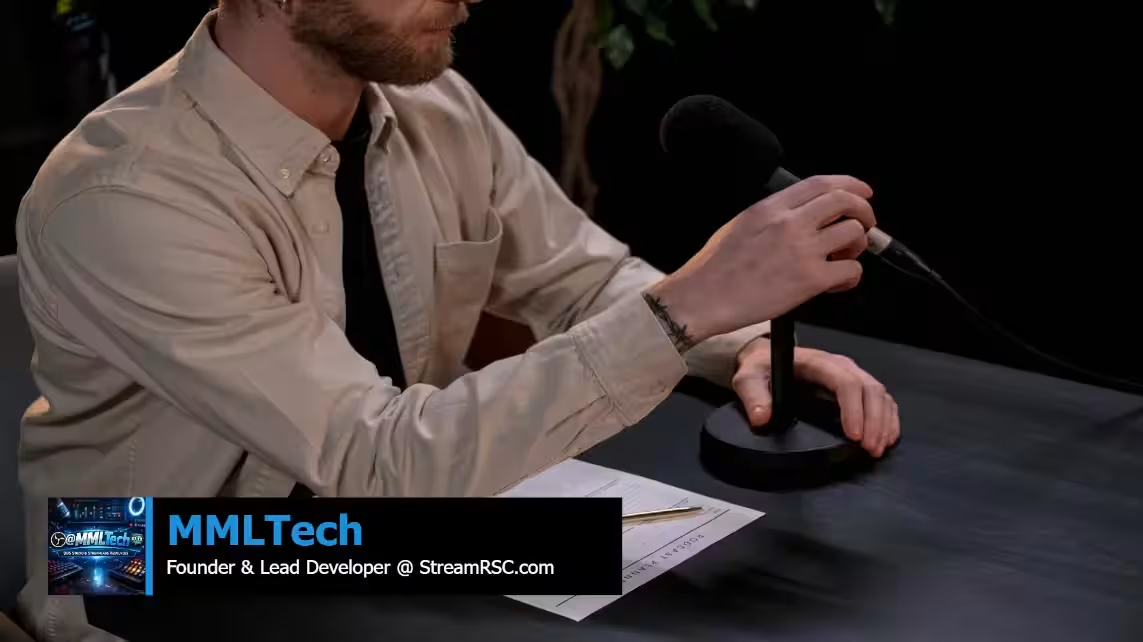
Introduce hosts and guests with a clean nameplate that puts their photo first. A square avatar sits beside the name and title, with accent colors you can match to your channel branding.
At a glance
- Resource type: Template.
- Listed platforms: OBS Studio.
- Source: Ko-fi product page. Check current requirements and license terms there.
Features
- Square avatar beside the name and title.
- Configurable accent colors.
- Animated entrance and exit.
- Suited to podcasts, interviews and collaborations.
Get started
Download the template and import it into the lower thirds dock you use in OBS Studio. It is built for Smart Lower Thirds, and the product page lists the supported dock version. Set the name, title, avatar and colors in the dock, then show the lower third with its button or a hotkey. Preview the entrance and exit against your scene before going live.
Files and license
Available from MML Tech on Ko-fi. Use the button on this page for the current price, the download and the license terms for personal and commercial streams.