Live Animated Weather Overlay for OBS & Streamlabs
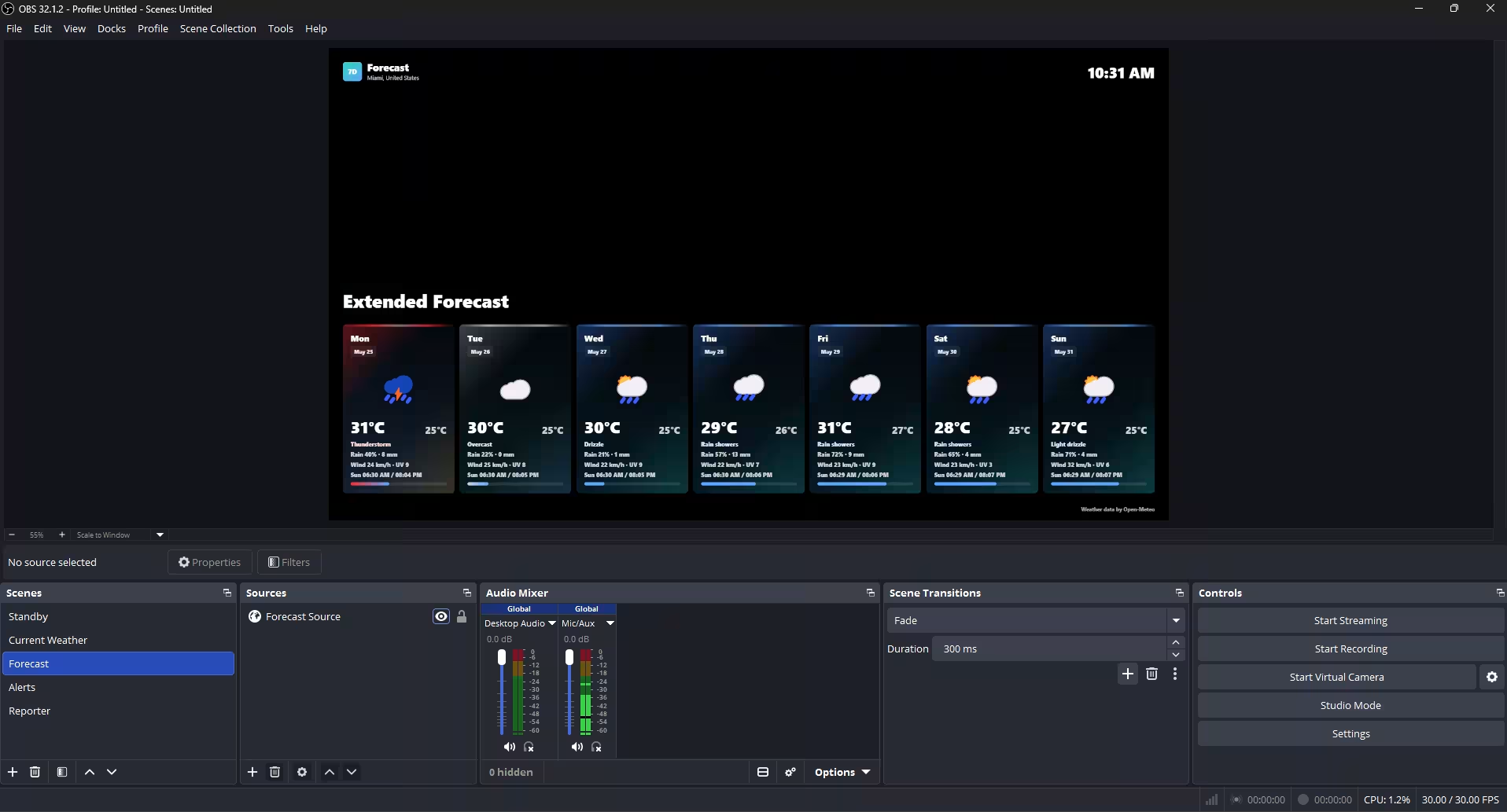
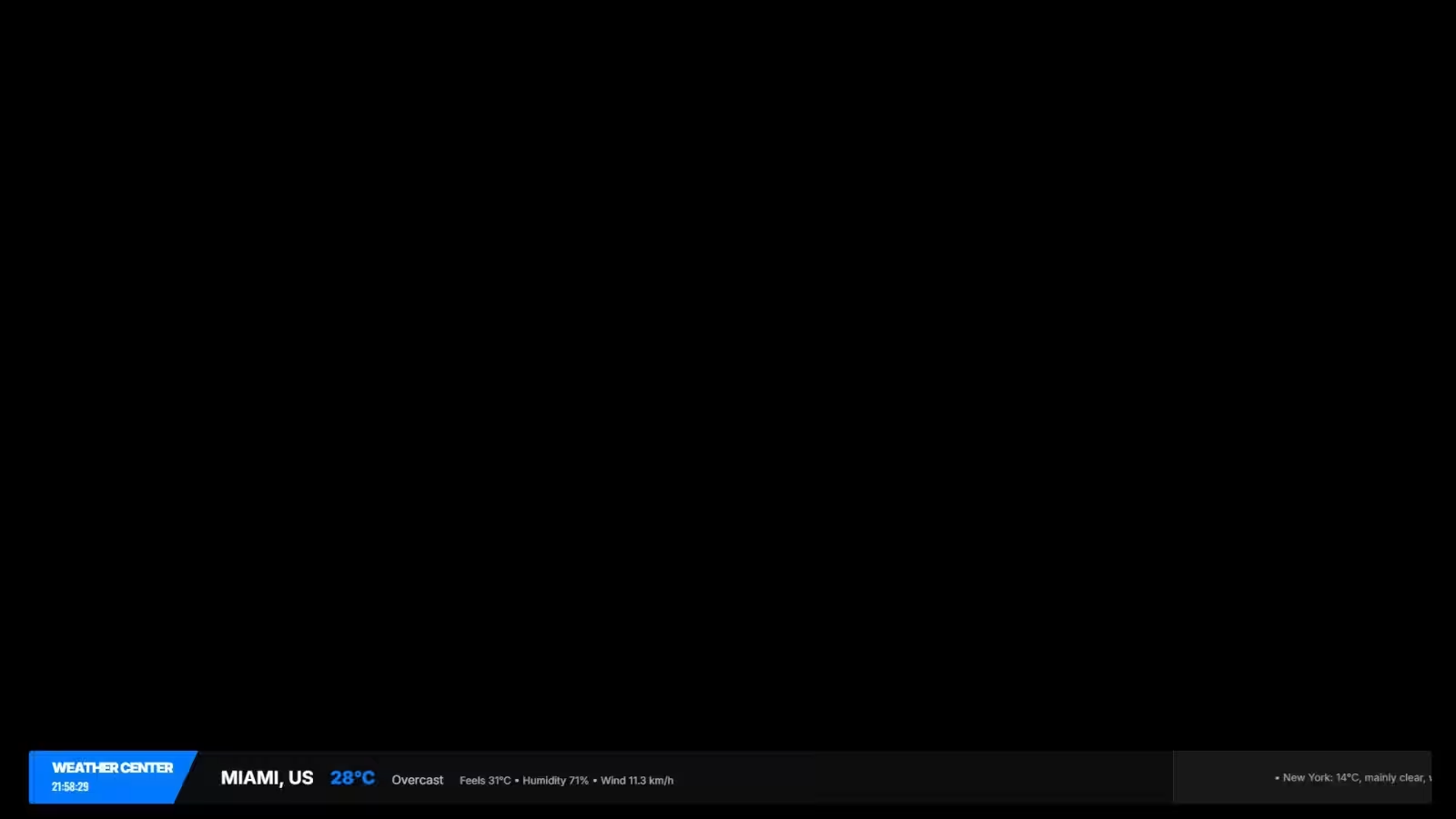
Show local weather on stream with a transparent OBS or Streamlabs browser source. Animated rain, snow and storm effects follow the weather conditions.
- OBS Studio
- Streamlabs
- XSplit
- Meld Studio

From discovery to your next broadcast
Plan your setup
Check compatibility
Listed platforms: OBS Studio, Streamlabs, XSplit, Meld Studio. Confirm the required versions and dependencies before installing.
Preview before going live
Use a separate test scene or project. Check readability, timing and performance with your own layout and recording settings.
Make it your own
Follow the setup instructions below, check the creator’s license and save a working configuration before changing your broadcast.
A closer look
Bring the weather outside into your scene. This transparent overlay reads your local conditions and plays matching rain, snow and storm animations over gameplay or your webcam, without blocking important parts of the screen.
At a glance
- Resource type: Overlay.
- Listed platforms: OBS Studio, Streamlabs Desktop, XSplit Broadcaster, Meld Studio.
- Source: Ko-fi product page. Check current requirements and license terms there.
Features
- Animated rain, snow and storm effects driven by live conditions.
- Transparent design for minimalist layouts.
- Adjustable overlay settings.
Setup
Open config.json in any text editor, replace YOUR_OPENWEATHER_KEY with your free OpenWeather API key, set your city and save. No coding required.
Get started
Download the files and keep them together in a folder you can edit, such as Documents (Windows can block saving inside Program Files). In OBS Studio add a Browser Source, tick Local file and choose the HTML file; in Streamlabs Desktop, XSplit or Meld Studio add a browser or web page source pointing to the same file. Set the size to your canvas (usually 1920x1080), adjust the text, colors and timer in the configuration file, then refresh the source to apply your changes.
Files and license
Available from MML Tech on Ko-fi. Use the button on this page for the current price, the download and the license terms for personal and commercial streams.